Leave Your Message
Choosing a Sprinkler Irrigation Controller in 2026 is less about chasing the newest feature and more about matching equipment to your garden. A controller can adjust watering schedules, coordinate zones, and respond to weather data, but those functions vary by model. The right choice depends on your water source, landscape, climate, and daily routine. Small details matter.
Start with the basics. Count your irrigation zones, check whether the controller works indoors or outdoors, and confirm that its wiring matches your existing system. If you want app access or weather-based scheduling, review the connection requirements and subscription terms before buying. Wi-Fi coverage near the controller can be unreliable; a feature you cannot connect to may not help much. Check the manufacturer’s specifications, installation instructions, and warranty rather than relying on a product headline.
Your yard offers useful evidence, too. Sandy soil may drain quickly, while clay can hold moisture longer. Slopes, shade, plant types, and sprinkler output all affect how long each zone should run. A rain sensor or local weather adjustment can reduce unnecessary watering, but it cannot replace sensible scheduling and occasional inspection. Look for leaks, clogged heads, or soggy patches.
There is no perfect setting for every yard. Even an experienced gardener may need to adjust schedules after watching how the soil responds. A Sprinkler Irrigation Controller should make those adjustments manageable, not mysterious. This guide explores the features, compatibility checks, and practical trade-offs that can help you choose confidently in 2026.
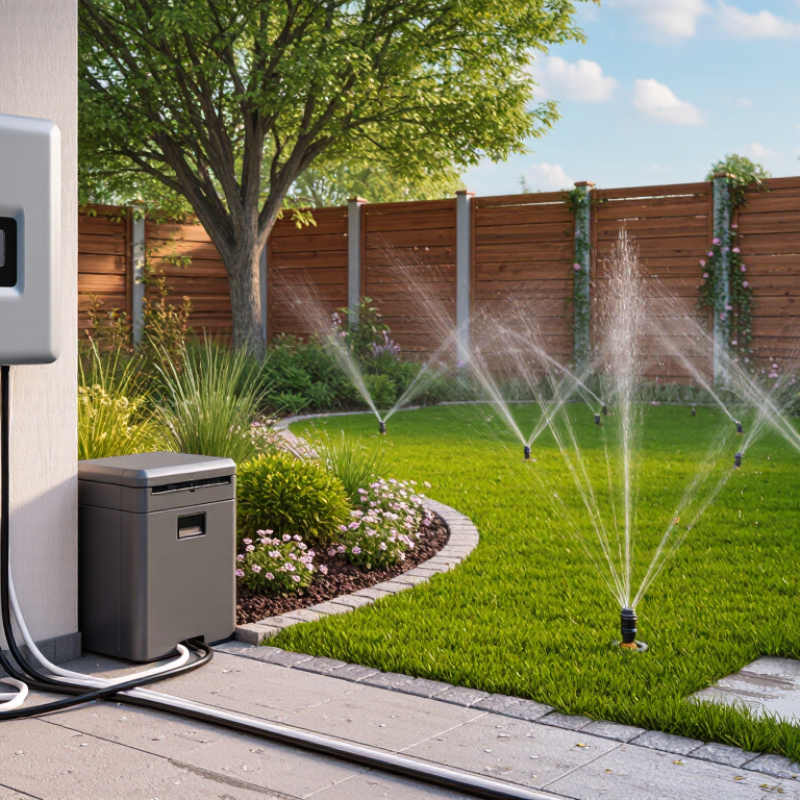
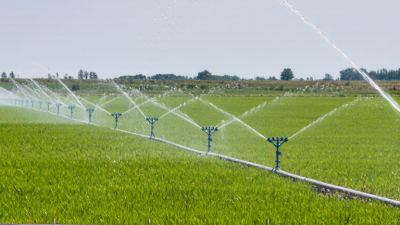
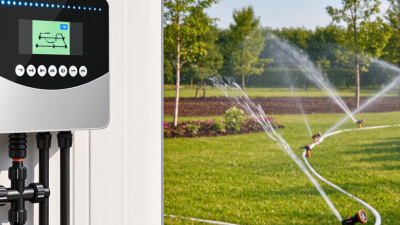
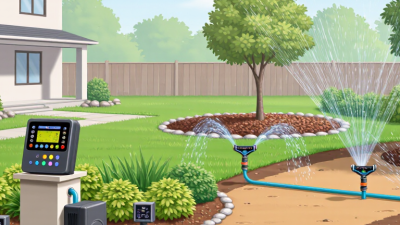
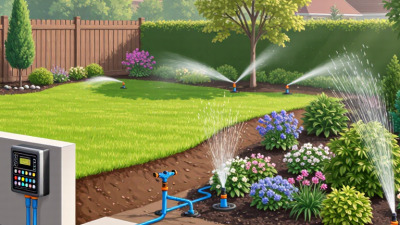
A sprinkler irrigation controller is the system’s scheduler. It sends electrical signals to valves, opening each watering zone for a set time. A lawn, flower bed, and vegetable patch may need different schedules because their plants, soil, and sun exposure differ. Think of a controller as a timer with rules. Weather-based models adjust run times using local weather and estimated plant water needs; soil-moisture sensors can pause irrigation when the root zone is already wet. Rain sensors offer a simpler pause. That matters.
The U.S. Environmental Protection Agency’s WaterSense program estimates that labeled irrigation controllers can cut irrigation water use by 15 percent, saving an average home nearly 7,600 gallons annually. That is an estimate, not a promise. A controller cannot fix a leaking head, a clogged nozzle, or a sensor installed in the wrong spot. Check whether water reaches the soil evenly, then set each zone’s runtime accordingly. A shaded bed beside a sunny driveway may need different settings, even on the same system. One imperfect detail: weather data may not reflect your yard’s wind or soil. Review the schedule after rain and during hot weeks, rather than trusting the display blindly.
| Controller type | How it works | Scheduling inputs | Main advantages | Things to consider |
|---|---|---|---|---|
| Basic electronic timer | Runs programmed start times and watering durations. Its output energizes a valve solenoid, opening the selected zone valve; when the signal stops, the valve closes. | User-set days, start times, and run times. | Simple to operate and suitable for systems with predictable watering needs. | Schedules generally need manual adjustment when weather or seasonal conditions change. |
| Controller with rain or freeze sensor | Uses the programmed schedule, but a connected sensor can suspend watering when it detects conditions such as rainfall or low temperature. | User-set schedule plus sensor readings and configured sensor thresholds. | Can prevent scheduled watering during certain unsuitable conditions without requiring a full schedule rewrite. | Sensor compatibility, placement, wiring, and settings matter; a rain sensor does not necessarily calculate each zone’s water requirement. |
| Wi-Fi-connected controller | Operates zone valves according to a schedule configured at the controller or through a connected app. Internet access may enable remote changes and weather-data features. | User-entered schedules; available weather and sensor inputs vary by model and setup. | Allows remote schedule management and may provide alerts or schedule adjustments. | Check network coverage, app support, subscription requirements, and what functions remain available without internet access. |
| Weather-based controller | Adjusts watering using weather information or estimated evapotranspiration (ET), which represents water loss from soil and plants. The adjustment method depends on the controller. | Weather data and, where required, site or landscape settings such as plant type, soil, slope, and sun exposure. | Can adapt schedules to changing weather and seasonal water demand. | Accurate setup and relevant local weather data are important; estimated conditions may not reflect every microclimate or irrigation problem. |
| Soil-moisture-based controller | Uses readings from soil-moisture sensors to allow, delay, or modify irrigation when the monitored soil reaches configured moisture conditions. | Sensor measurements, threshold settings, and—in some systems—a baseline schedule. | Responds to measured soil conditions at the sensor location rather than relying only on a calendar schedule. | Sensor location, soil type, installation, and calibration affect how representative the readings are. |
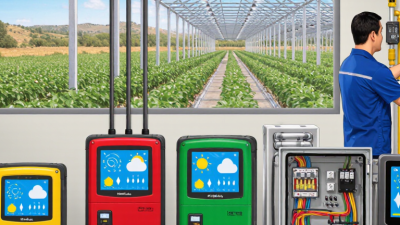
| Multi-zone or central control system | Sequences valve outputs for separate irrigation zones; larger systems may allow monitoring or control of multiple controllers from a central interface. | Zone schedules, controller configuration, and optionally sensor or weather inputs. | Supports separate schedules for areas with different plants, exposure, soil, or irrigation equipment. | Confirm zone capacity, wiring and valve compatibility, expansion options, and whether the system’s complexity fits the site. |
Selection tip: Match the controller to the number of zones, available sensors, network access, and the level of schedule automation you need. Check valve and wiring compatibility, and keep schedules appropriate for local restrictions and site conditions.